

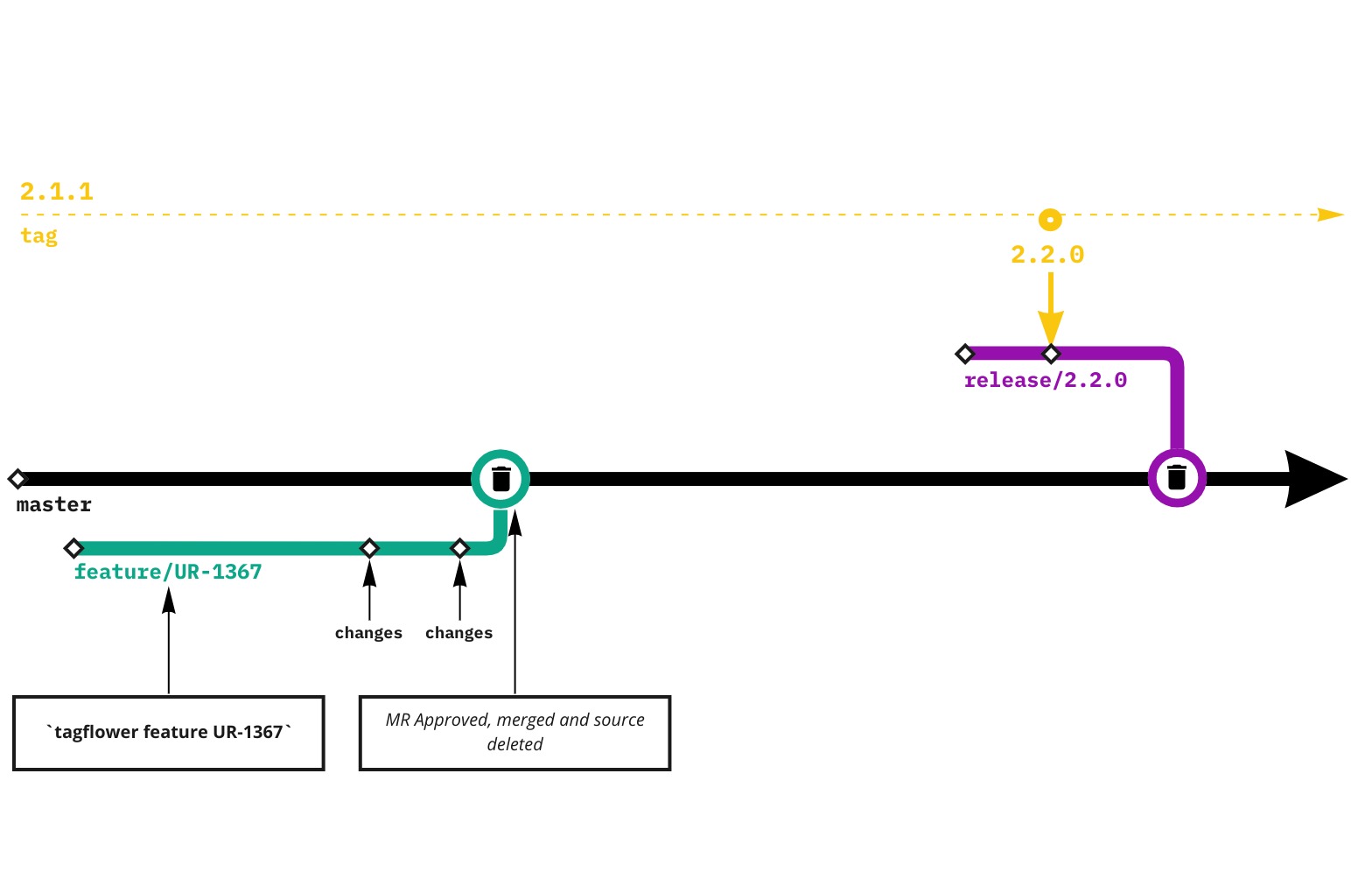
Feature branches are used for any new features. After they are ready to be merged a MR needs to be created and merged. Merging will not automatically trigger new deployment. You will need to use release instead.
More on this is detailed below in the guide.
How?
TagFlower
- Create a new branch from
masterusingtagflowerand naming convention. eg.tagflower feature UR-1333ortagflower feature user-loginto create a new branch - Work on the feature and use MR to merge it to the
masteror other branch
By hand using git tools
- Create a new branch from
masterusing the naming convention eg.git checkout -B feature/UR-1333orgit checkout -B feature/user-login - Work on the feature and use MR to merge it to the
masteror other branch
If you want to release changes to the environemnts, eg. development, after the MR is merged, follow release docs.